You can build a good author website in an afternoon. Not a placeholder, but a real site with a page for every book, your series in order, an about page and a reason for readers to join your list. What takes authors weeks is rarely the building. It is deciding what to put on it, and then waiting for a perfect version that never arrives. Here is a plan that takes about three hours, in the order that saves the most time.
Before you start (10 minutes)
Gather what you already have, in one place:
- A link to each of your books, from the store where it sells best. An Amazon or Goodreads link carries the cover, the blurb and the series; you will not need to type them.
- A photo of you, if you want one on the site. A clear, recent picture beats a professional one from ten years ago.
- Two sentences about you, written for readers: who you are and what you write. You will expand it later.
If your first book is not out yet, you need even less: your name, the photo and the two sentences.
Step 1: Choose your address (10 minutes)
Your site needs a home. The best domain is your name as readers will type it: janeholloway.com. If that is taken, add a word: janehollowaybooks.com or janehollowayauthor.com. Avoid hyphens and clever spellings; you will say this address out loud on podcasts and at signings.
You do not have to buy it before you start. Build on a free address, publish, and connect your own domain at the end of the afternoon or next week.
Step 2: Let your books build the pages (15 minutes)
Most of an author website is book pages, and book pages are mostly information that already exists in your books' listings. Start from your books, not from a blank page: paste a link to one of your books, let the builder find the others, and tick the ones that are yours.
Be strict here. Leave out other editions, box sets and translations unless you want each to have its own page; they belong on the book's page as formats. Check that each series is in the right order, because that is the page readers will use most.
Step 3: Pick a design for your genre (10 minutes)
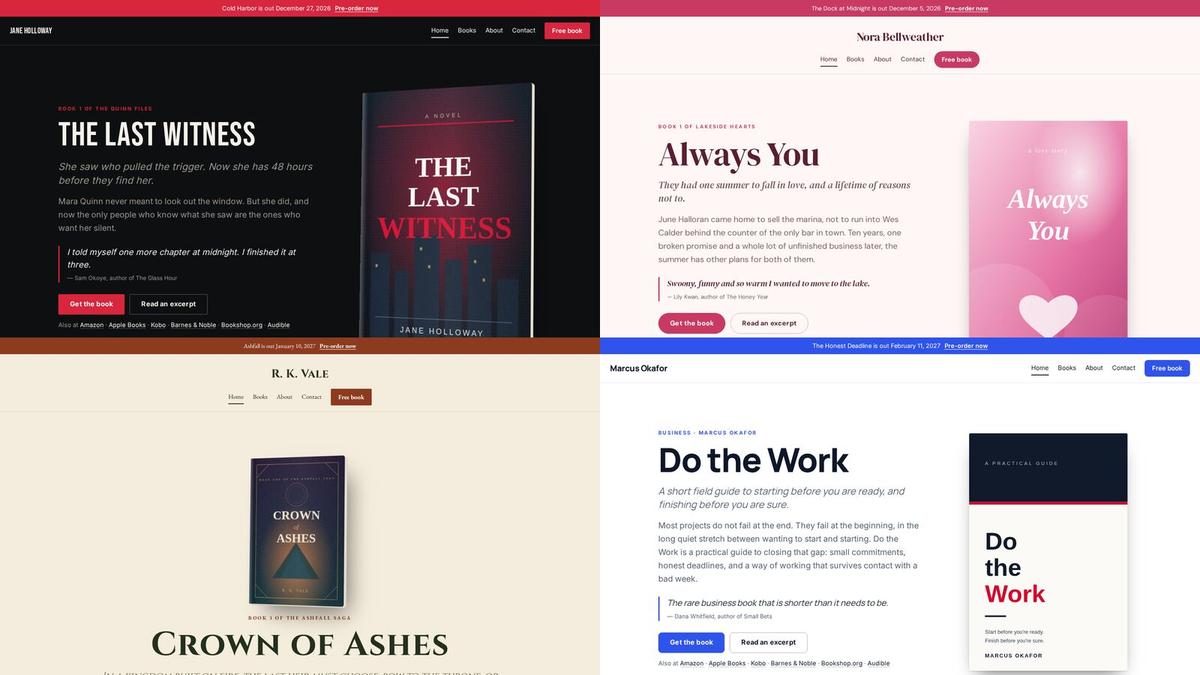
Readers judge a website the way they judge a cover: in a second, by genre. A thriller site should feel like a thriller, a romance like a romance. Choose a design made for your genre, then try it in your own covers' colors. Change the fonts only if something feels wrong; the defaults are chosen to work together.
Do not spend longer than ten minutes here. You can change the design later without losing a word, and the books, not the design, are what readers came for.
Step 4: Write your about page (30 minutes)
Turn your two sentences into a short page, in your own voice:
- Who you are and where you write from.
- Why you write what you write.
- One personal detail readers will remember.
- What to read first, with a link.
Keep it under 300 words. Then write a one-line version for the header and a 100-word version for your press kit while the words are fresh.
Step 5: Give readers a reason to join your list (30 minutes)
This is the step that makes the website worth having. Choose one offer a reader of your genre would want and can only get by joining: the first chapters of your next book, a prequel novella, a short story set in your world.
Upload the file, write a welcome email that delivers it and says what readers will get from you next, and put the offer on your home page and at the end of every book page. A quiet pop-up for visitors who have read a page or two catches the readers who did not scroll that far.
Step 6: Read every page before anyone else does (20 minutes)
Click through the whole site as a reader would, on your phone as well as your computer. Look for:
- Placeholder text left in a section.
- Book pages missing a store link for a format you sell.
- Images with no description, which screen readers and search engines need.
- A privacy policy, if you collect email addresses.
Step 7: Publish, then connect your domain (20 minutes)
Publish on the free address first; there is no reason to wait. Then connect your own domain. You will add two to four records at the place you bought it, and the connection usually takes under an hour to be seen everywhere.
After the afternoon
A website is never finished, but it should keep itself current without you. Add a new book once and it should appear on the books page, the series page and the home page. A pre-order should turn into "out now" on launch day. Your praise page should grow as reviews arrive. If you find yourself editing four pages to add one book, the site is doing too little of the work.
Start from your books
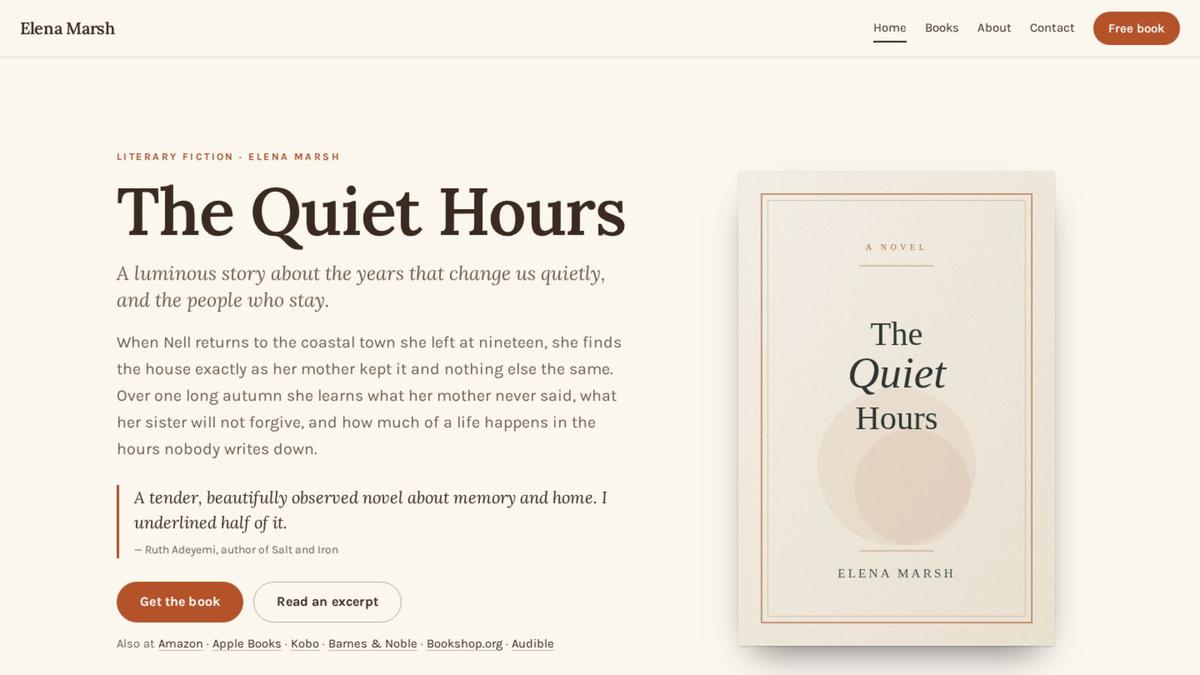
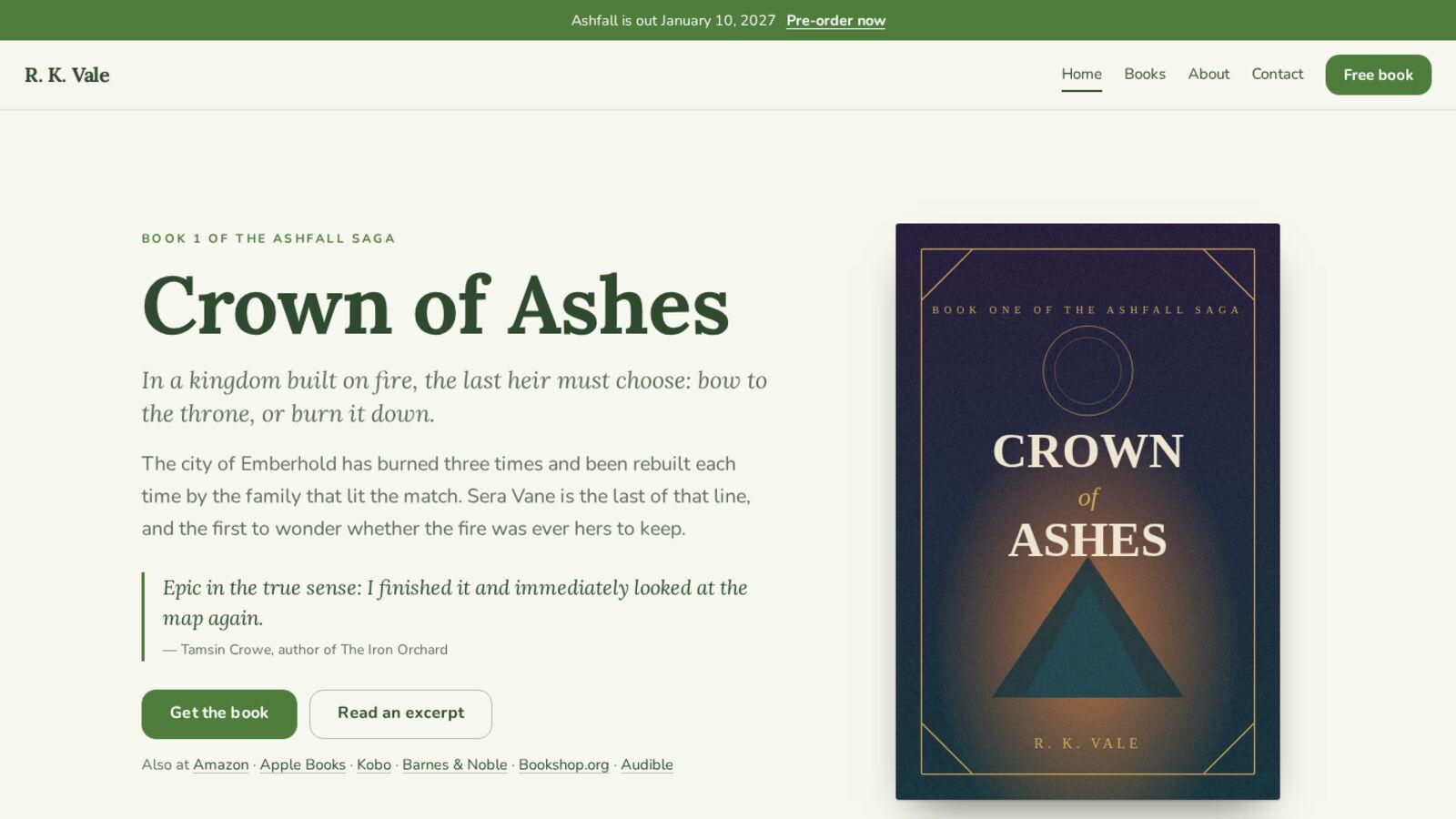
The fastest version of this afternoon starts with the step that takes the longest by hand. Paste a link to one of your books and AuthorSend builds your website from it in a few seconds, with every page above already filled in, in a design made for your genre. You can look before you make an account.
See your author website